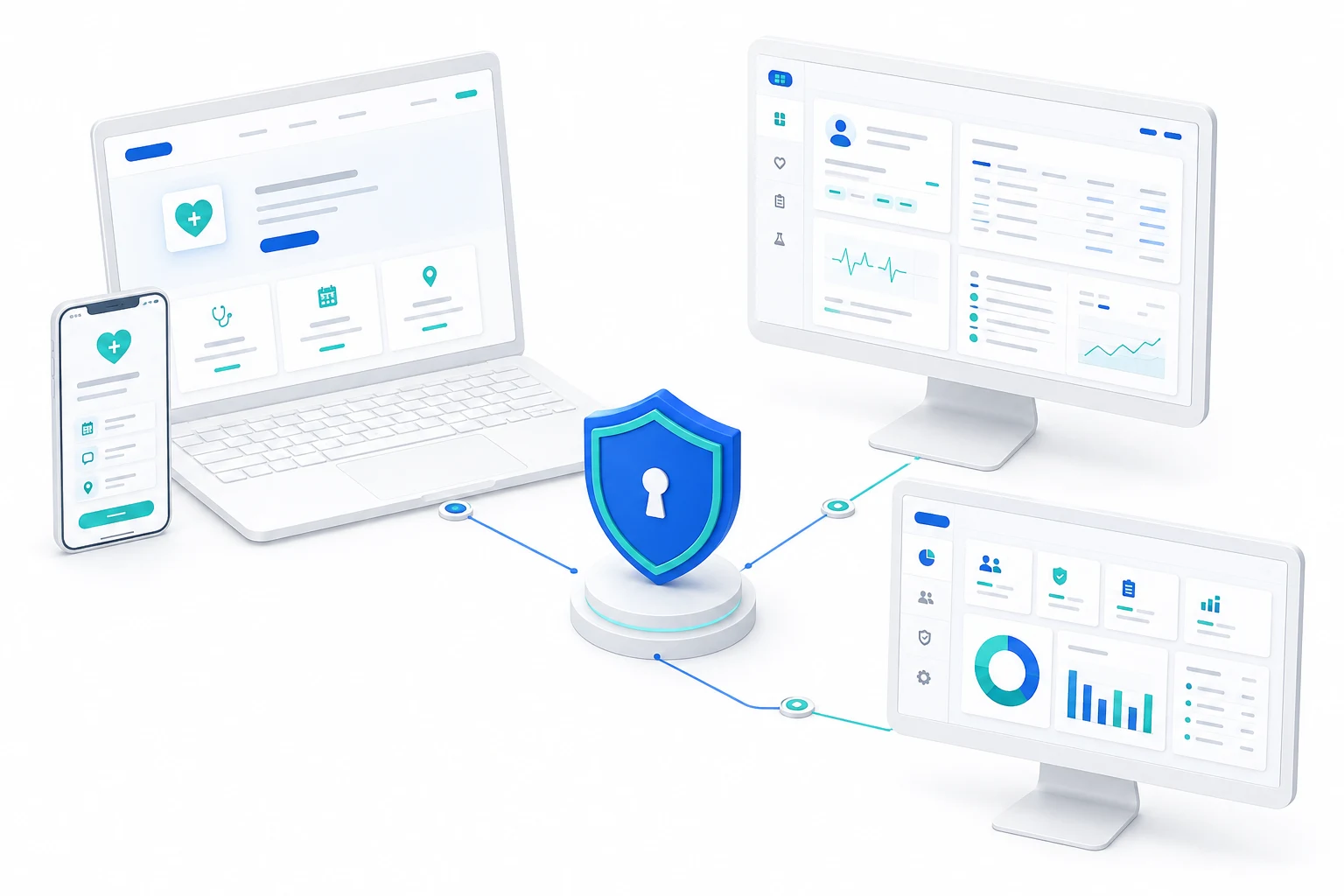
Concept illustration of hospital, laboratory and digital record systems connected through a healthcare gateway

ABDM connectivity for hospitals and diagnostics

HealthRekha GatewayFrom registration to shared records.

Connect your existing systems to patient registration, record linking and consent-based exchange. One M1-M3 journey, with patients at the centre.

ABDM connector scope

One connected care journey.

M1: identityABHA and patient registration
M2: record linkingCare contexts and clinical records
M3: exchangePatient-consented retrieval
Release readinessTesting, security and approval gates

Connected care journeys

Three stakeholders. One care journey.

Hospitals register and treat. Diagnostics produce approved reports. Patients choose how their records are shared. HealthRekha connects these workflows.

Hospitals and Clinics

Connect registration to continuity of care.

Verify patient identity, link approved hospital records and retrieve permitted history through your existing HIS or EMR.

Operational focus

Reduce repeated entry and identity mismatches. Give staff clear verification and recovery steps.

Concept illustration of connected hospital and clinic facilities
M1 to M3Registration, records and consented retrieval
  1. 01Verify identity
  2. 02Register patient
  3. 03Link records
  4. 04Retrieve with consent
Hospital responsibilityClinical accuracy and authorised staff
Connector responsibilityValidation, routing and delivery status

Labs and diagnostic centres

The right report. The right patient.

Connect approved LIS reports to patient identity. Validate supported record formats, link care contexts and track delivery or amendments.

Operational focus

Reduce manual report hand-offs. Resolve patient mismatches and failed delivery before sharing.

Concept illustration of connected laboratory and diagnostic services
M1 identity, M2 linking, M3 exchangeApproved diagnostic records, ready for sharing
  1. 01Match patient
  2. 02Approve report
  3. 03Link record
  4. 04Share with consent
Diagnostic responsibilityReport approval and clinical corrections
Connector responsibilityMapping, validation and reconciliation

Patients

Your records. Your choice to share.

Use a supported personal health record (PHR) app to access linked records and manage consent. Participating facilities help with registration and identity mismatches.

Patient focus

ABHA verification and record-sharing consent are separate. No standalone HealthRekha patient app is offered in this release.

Patient help and responsibilities
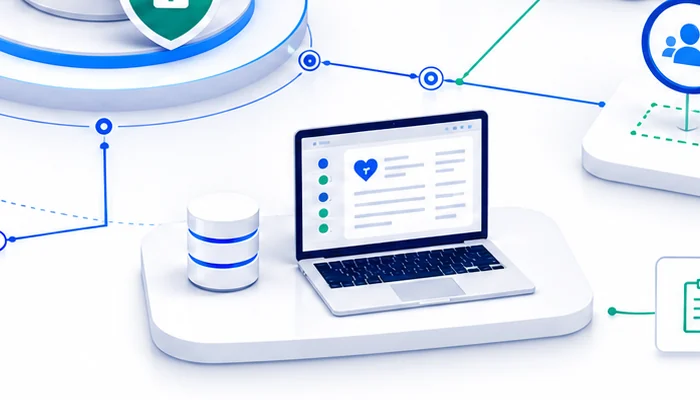
Concept illustration of digital health records on a connected device
Across participating facilitiesLinked records, shared for an agreed purpose
  1. 01Verify ABHA
  2. 02Access linked records
  3. 03Review consent
  4. 04Approve or decline
Patient controlApprove, decline or revoke consent
Care-team responsibilityUse records only within permitted access

ABDM journey

What each milestone enables.

Planned delivery scope. Each workflow needs sandbox validation and the applicable approvals before production use.

M1 / Identity and registration

Recognise the patient.

ABHA creation and verification, ABHA address creation and card download, Scan & Share, and new or returning patient matching.

Exception path: Invalid or expired OTP, duplicate matches and identity conflicts go to a clear retry or staff-review step.

M2 / Record linking

Make records discoverable.

Associate encounters and approved hospital or diagnostic records with the patient. Validate supported FHIR records and link care-context references.

Important distinction: A care context identifies the encounter; it is not the clinical record itself. Linking is not permission to share.

M3 / Consented exchange

Retrieve for a permitted purpose.

Request access, check the patient's consent and transfer permitted records to the authorised care team. The provider supplies records; the requester uses them within scope.

Exception path: Denied, expired or revoked consent blocks further retrieval. Failed transfers need tracked recovery, not silent retries.

Built to integrate

Keep your systems.
Connect the care journey.

Start with your HIS, EMR or LIS. Agree the approved API, export or managed connector, supported records and patient-matching rules. Compatibility is confirmed during readiness review.

Discuss your integration

Integration responsibilities

  1. Your hospital or lab system

    Owns the patient record, clinical approval and corrections.

  2. HealthRekha connector

    Maps and validates supported data, routes requests and tracks delivery within each facility's access scope.

  3. ABDM services

    Provide the identity, record-linking and consent-based exchange interfaces used by the approved integration.

When a connection fails

The operating design includes request status, duplicate protection, bounded retries, reconciliation and support escalation. These controls must be proven before activation.

Purpose-built access

Clear roles. Clear responsibilities.

Proposed access model: facility staff work within assigned permissions. Patient consent and clinical approval remain separate from platform support.

Concept illustration of separate public, facility and operations workspaces
PublicFacilityOperations
Prepare the organisationPublic pages do not provide access to patient records.
Hospital or lab leader

Review scope, responsibilities and onboarding requirements.

Existing account holder

Sign in before accessing an activated workspace. Hosted sign-in is pending backend activation.

Accountable healthcare

Controls to prove before go-live.

This is the release baseline, not a claim of certification or production approval.

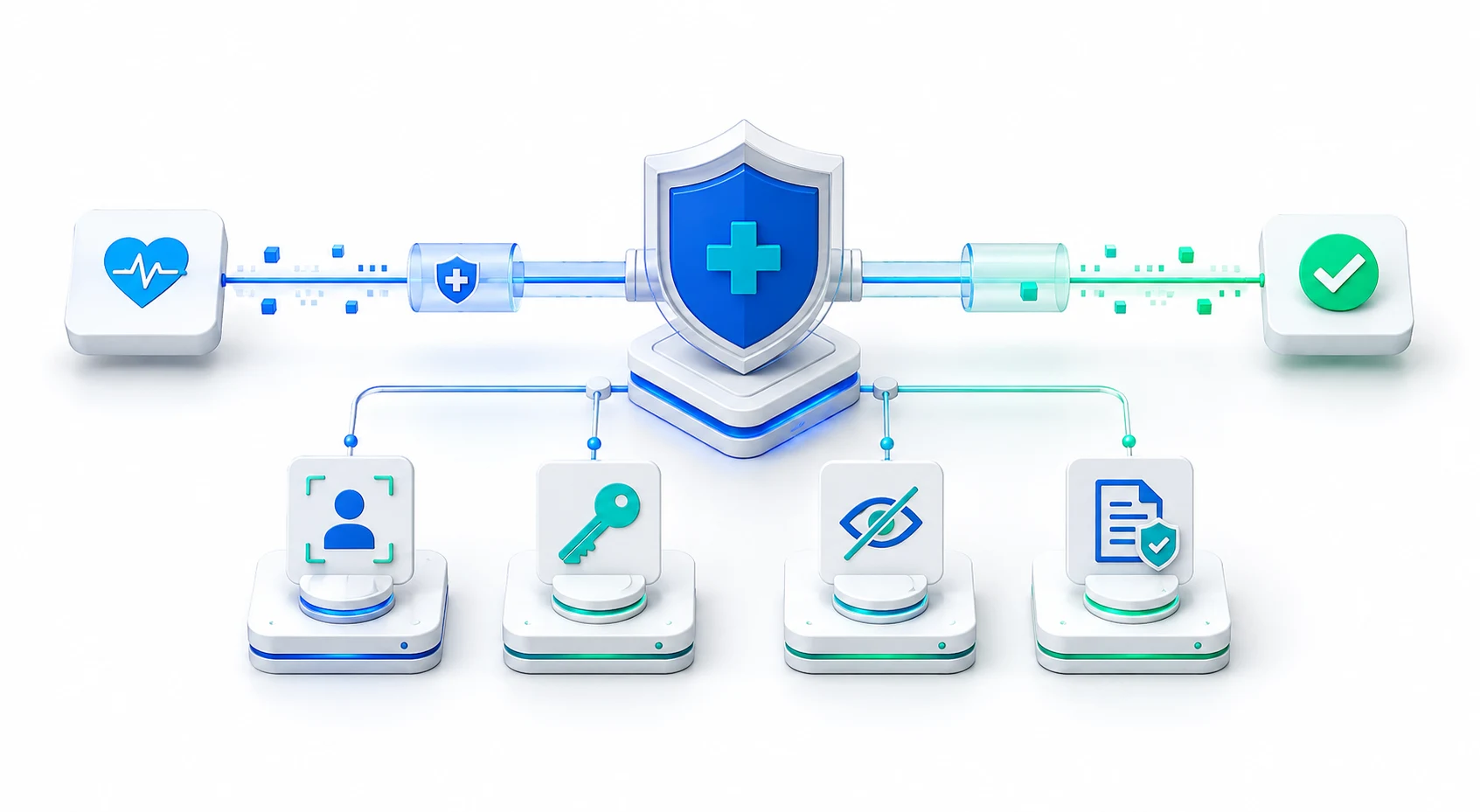
Concept illustration of identity, access, privacy and audit controls
Scoped staff accessValidate organisation, facility and role permissions for every sensitive operation.
Patient choiceSeparate identity verification from consent; enforce purpose, scope and validity for record exchange.
Data protectionTest redacted logs, secure credential handling and approved retention rules.
Certification readinessPrepare M1-M3 test evidence, demonstrations and remediation. Functional testing and WASA security assessment must cover the applicable deployment; approval is not inherited by every tenant.

Commercial model

Pay for integration and operation.

Proposed structure, confirmed in a written quotation. No incentive payout or fixed savings is assumed.

One-time setup

Readiness review, agreed system mapping, configuration, testing and staff handover. Scope depends on facilities and source systems.

Recurring subscription

Agreed facilities, enabled modules, support level and usage allowance. Activation and service commitments are agreed before go-live.

Defined usage

Any excess usage requires an agreed billable operation, allowance and rate. Failed attempts, retries and duplicates need explicit billing rules.

HealthRekha fees cover its software and services. External assessment costs are quoted separately; HealthRekha does not sell NHA certification.

Organisation onboarding

Start with one facility and a clear scope.

Prepare your organisation details, authorised contact, registry status and existing system. An HFR ID alone does not activate the connector.

Prepare now. Activate after review.The hosted onboarding form supports preparation only. Account creation, saving and submission await backend activation.
  1. 01
    Describe the organisationOrganisation type, legal name and authorised contact
  2. 02
    Review registry statusExisting facility ID or registration guidance
  3. 03
    Map the connectionHIS or LIS, supported records and interface permissions
  4. 04
    Agree responsibilitiesStaff access, patient consent, support and commercial terms
  5. 05
    Prove readinessSandbox workflows, failures, security and applicable approvals
  6. 06
    Approve activationEnable only the validated facilities and workflows

Patient and organisation support

The right help, from the right team.

Incorrect clinical details or reports? Contact the hospital or diagnostic centre that created the record. HealthRekha cannot change a clinician's source record.

Identity mismatch or connector issue? Ask the facility coordinator to review it. For onboarding or integration assistance, contact support@healthrekha.com.

Do not email Aadhaar numbers, OTPs, passwords or medical records. HealthRekha is not an emergency or medical-advice service.